
new feature
Organize your Status Page

Nuno TomasFounder
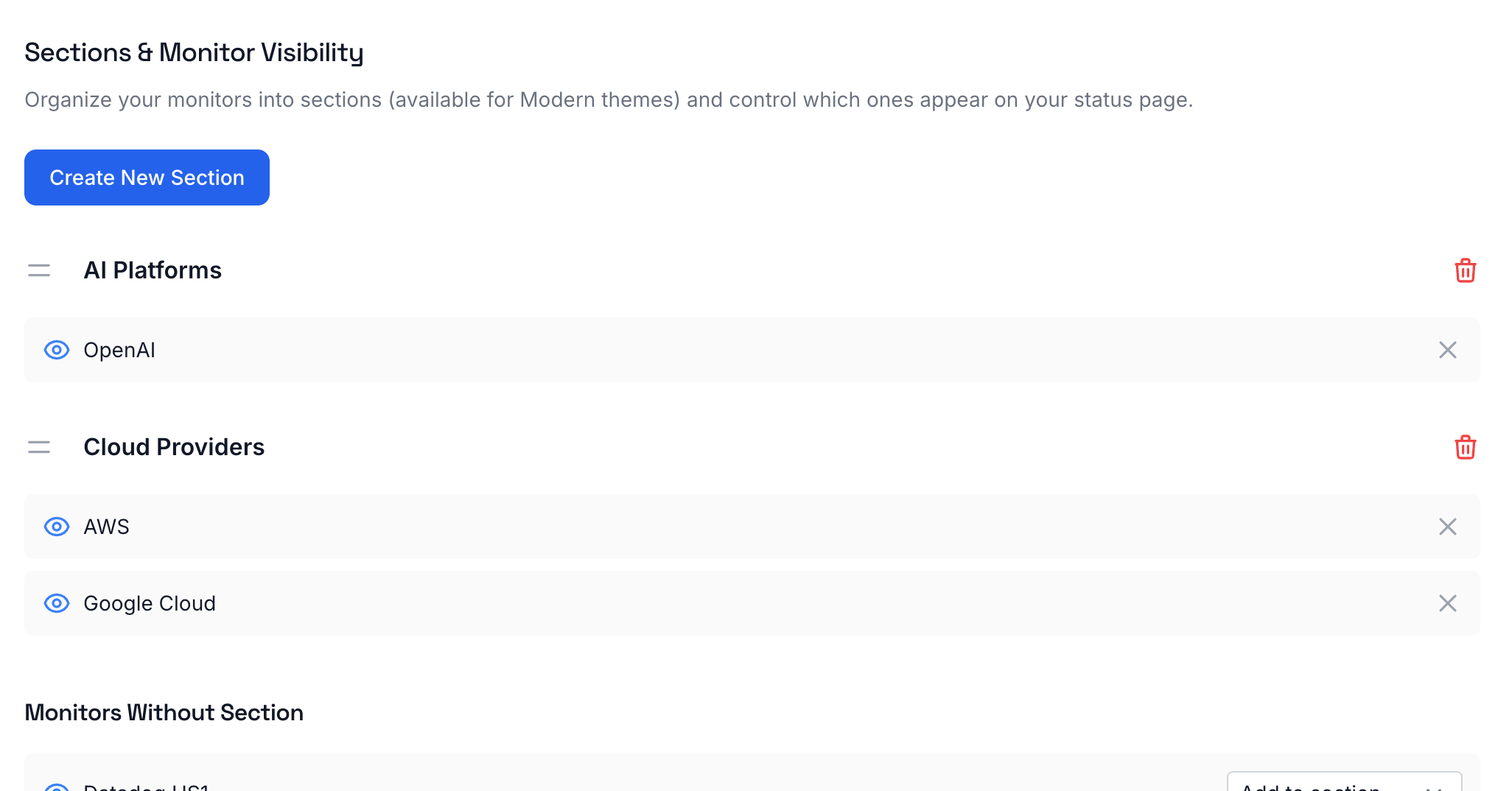
🎯 Organize services into sections
Your status page is getting a makeover. Now you can group related monitors under custom sections with headlines, perfect for teams with lots of services.
What's new:
-
Create, edit, and delete sections directly from your status page options
-
Drag monitors into sections to keep things organized (Webshops, Backend Services, External Providers, you name it)
-
Empty sections automatically hide from your live status page
-
Available in Modern themes
Your visitors can now quickly find the services they care about instead of scrolling through a wall of monitors.
👀 Control visibility of the services you want to show
In the same status page options tab, you can now choose which monitors and sections appear on your live status page. Hide internal services or anything else you don't want your visitors to see.
new feature